Portfolio OS
A portfolio you explore like a Windows XP desktop. Behind the familiar chrome is a custom React window manager handling focus, dragging, minimizing, and restoring eight windows.
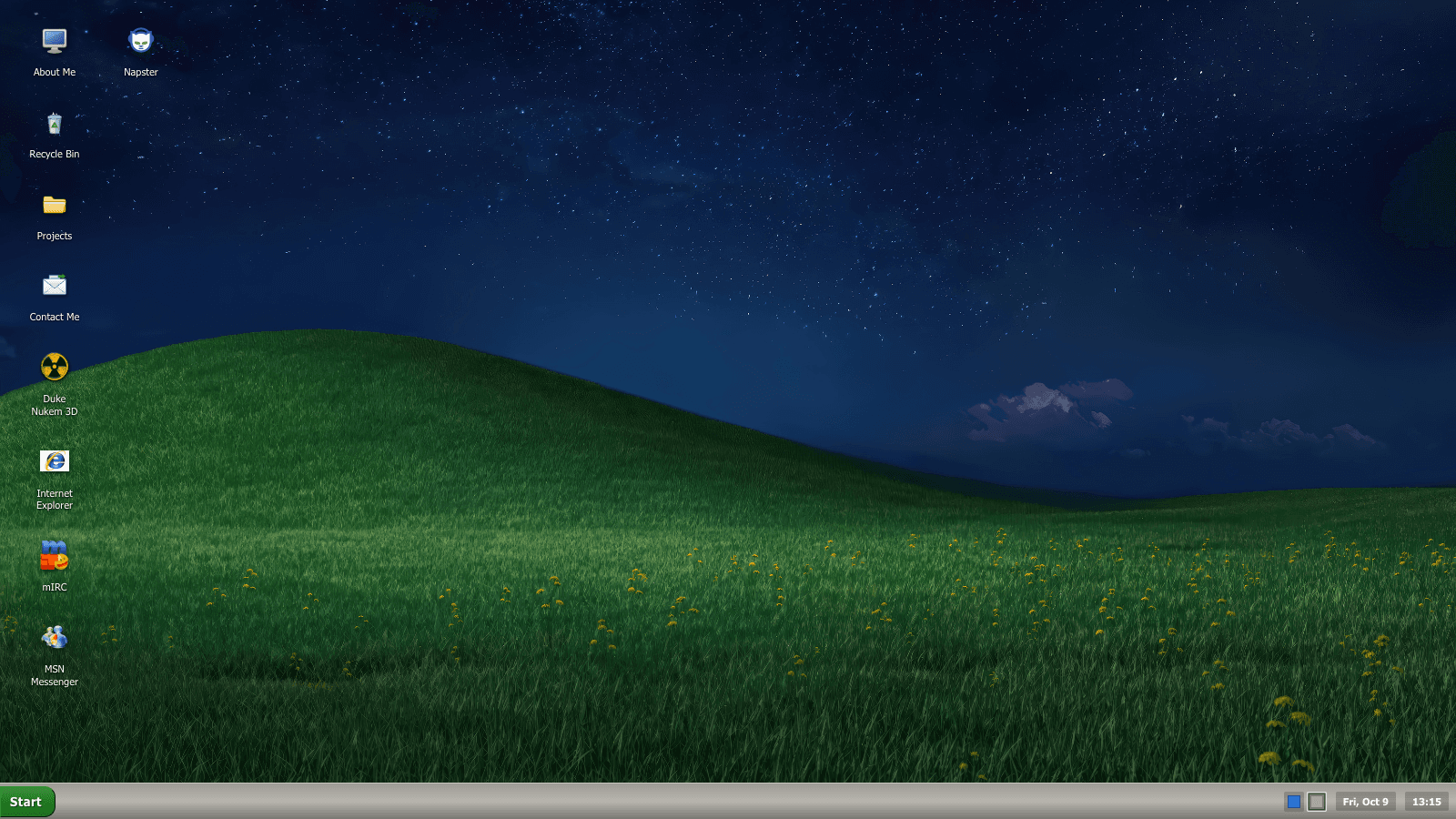
Familiar behavior, explicit state.
The nostalgic styling only works if the desktop behaves coherently. Opening a window must bring it forward. Minimizing it must update the taskbar. Dragging needs to keep the window reachable. Those transitions live in a reducer rather than being scattered through the visual components.
- 01 / INPUT
Desktop interactions
Icons, taskbar controls, and window chrome request open, close, focus, minimize, maximize, and drag actions.
- 02 / STATE
useWindowManager
A custom hook uses useReducer. The window reducer owns each window’s state, focus order, and the active drag.
- 03 / RENDER
Desktop and XPWindow
React renders the resulting positions and window states. Document-level mouse events keep a drag active outside the title bar.
Small details that make a desktop.
Focus without sorting.
Bringing a window forward increments highestZIndex and assigns that value to the selected window. It avoids sorting the windows on every focus event. The reducer still copies the window-state map; this does not make the entire update or render constant-time.
Keep dragging reachable.
The drag handler calculates a delta from the starting pointer position and clamps the window to viewport bounds. It uses measured window dimensions, with configuration values as a fallback. Document-level mouse listeners are removed by the effect cleanup.
Minimize deliberately.
Most windows render their content only while open and not minimized. Duke Nukem is an exception: it stays mounted while open and receives its minimized state. Minimization therefore does not universally mean unmounting or zero memory use.
Keep performance claims narrow.
Several dispatch callbacks have stable references through useCallback. That alone does not stop the desktop from rendering again. The drag callback depends on current state. Profiling would be needed before claiming a measured rendering improvement.
The interface carries the personality.
The Messenger window, themes, and familiar desktop conventions give visitors something to discover. The project earns its place here through interaction work as well as appearance: it asks a small set of state rules to support a playful interface.
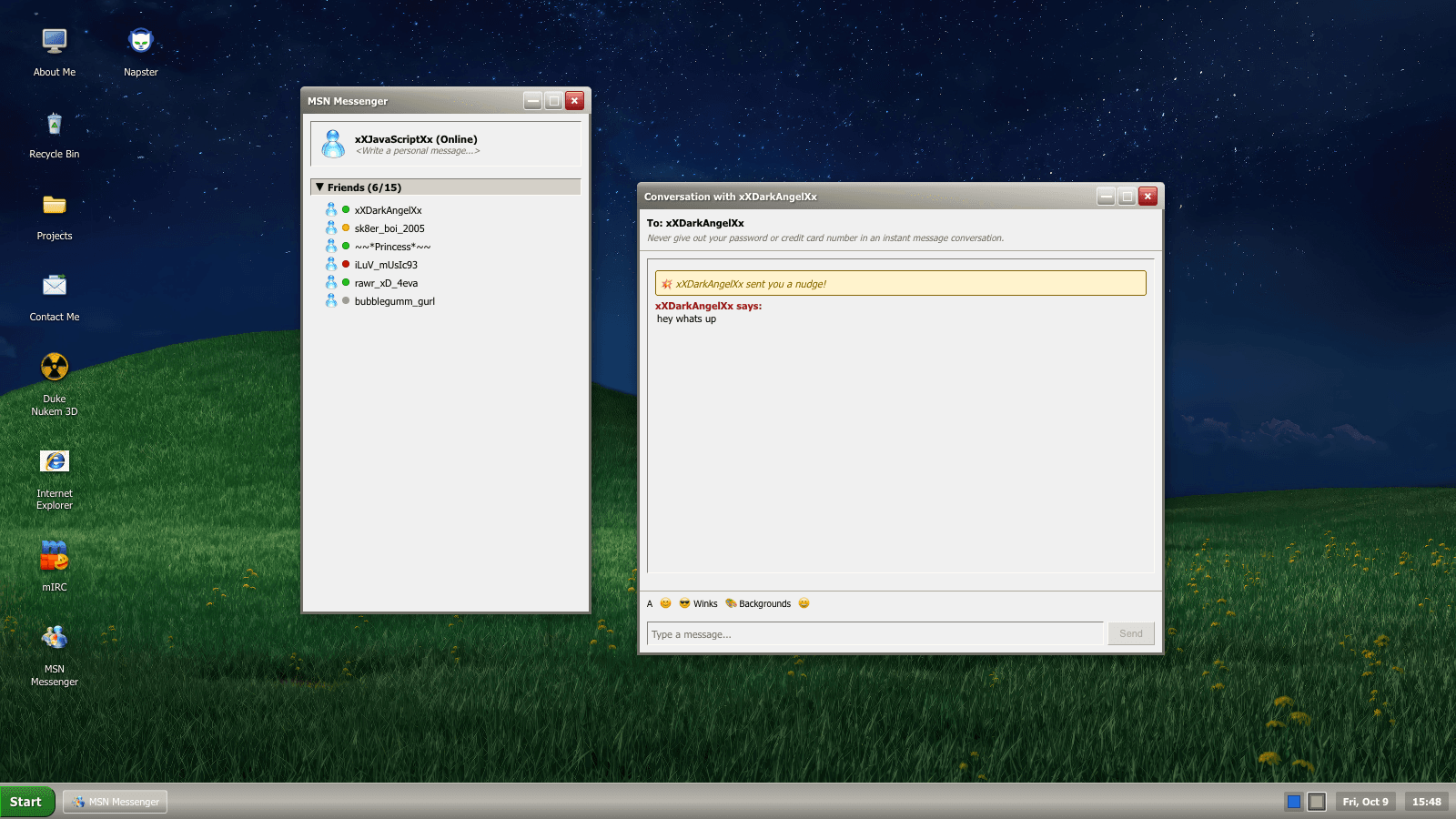
Where to inspect it.
The implementation description was checked against local revision fca9f08 on 12 October 2026: useWindowManager.ts, windowReducer.ts, and Desktop.tsx. That source review does not establish which revision the external live desktop currently serves.
The dragging path reviewed here is mouse-driven. Touch and keyboard window movement, rendering performance, and lifecycle behavior across every embedded application need their own verification. The architecture description does not claim those checks have passed.